USB connection
- Download the commissioning software to a PC or notebook.
- Carefully remove the frame of the RLS 45 K.
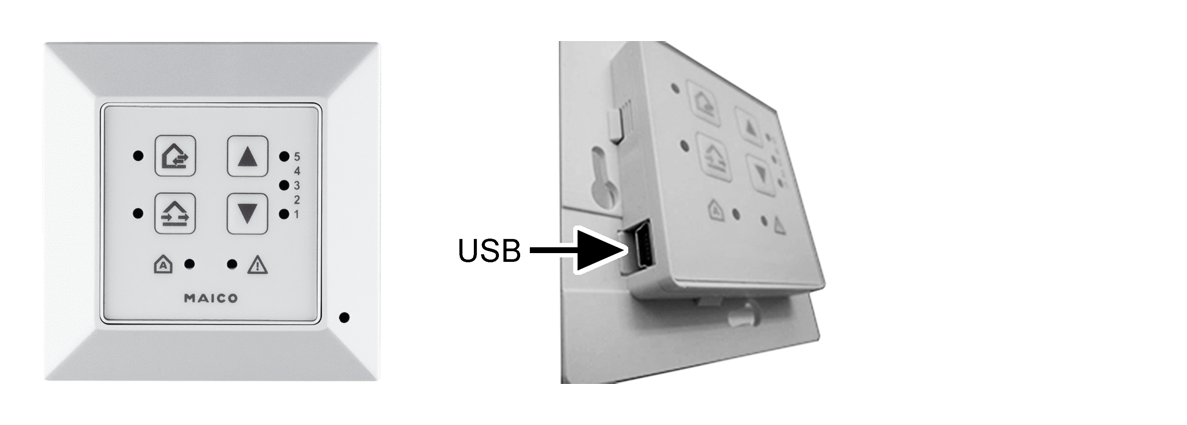
- Connect the PC/notebook to the Micro USB interface of the RLS 45 K.
- Call up the commissioning software.
- Press Establish connection via USB. The parameters menu appears.
- Configure the ventilation system and save the parameter settings.
For Download the CDV commissioning software, see www.maico-ventilatoren.com.
The ventilation system can now be configured with the commissioning software.