Service mode setting parameters
For further information on functions and settings in the CDV commissioning software, see the CPP 60 installation and commissioning instructions.
 Factory settings for the following parameter setting values in bold.
Parameter 1: Unit type on RLS (Fan1, Fan2)
No function for CPP 60.
Parameter 2: Number of unit pairs, unit types PP 45 and PPB 30 O
No function for CPP 60.
Parameter 3: Deactivating ventilation level 0
|
| 1 = Ventilation level 0 activated. 2 = Ventilation level 0 deactivated. The ventilation units cannot be switched off on this control. The units run at least at level 1. |
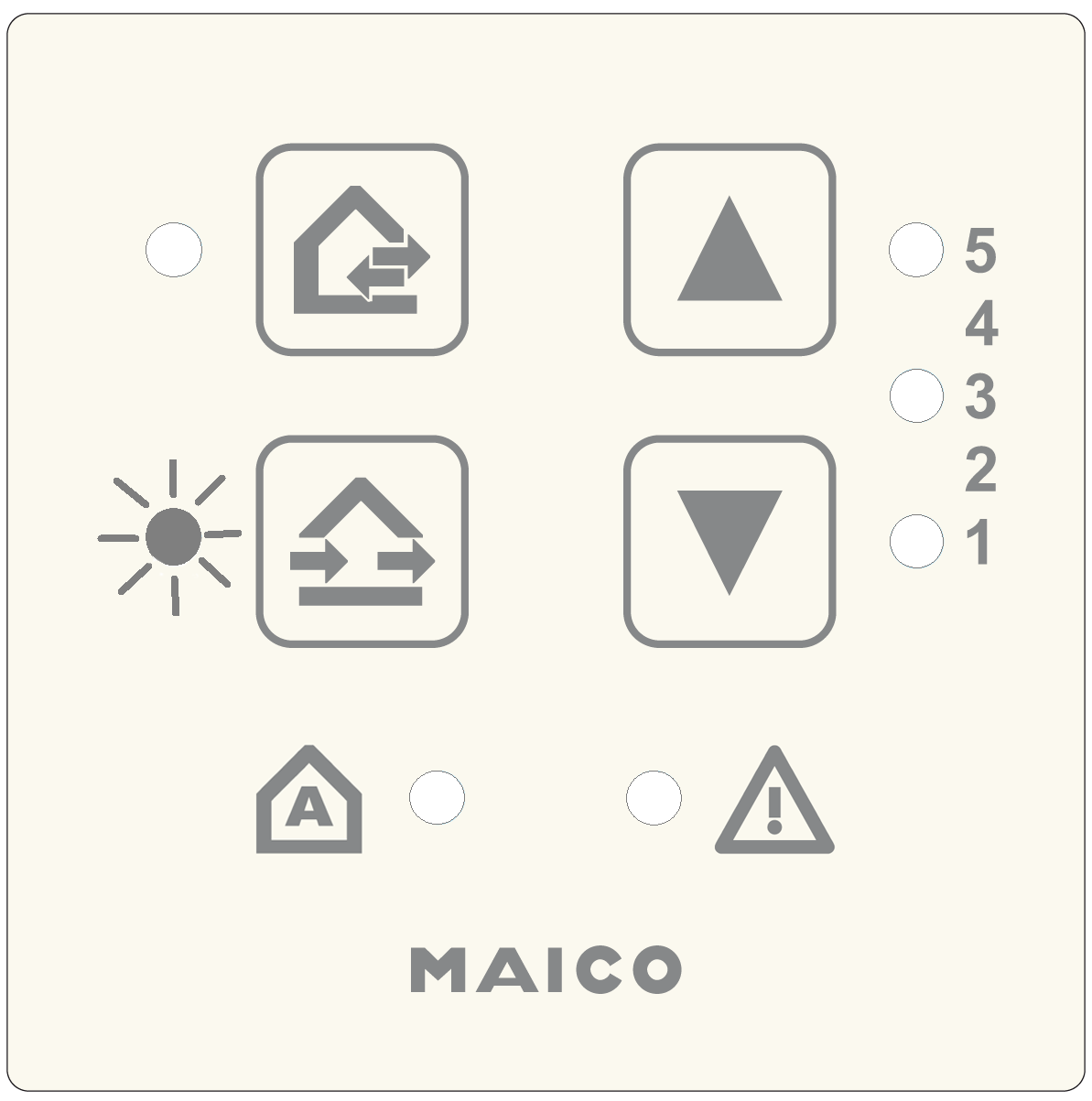
Parameter 4: LT power units, RLS 45 K room air controls (on the RS 485 bus)
|
| Configuration for parallel operation of several LTs / RLS. 0 = no further LTs/RLS |
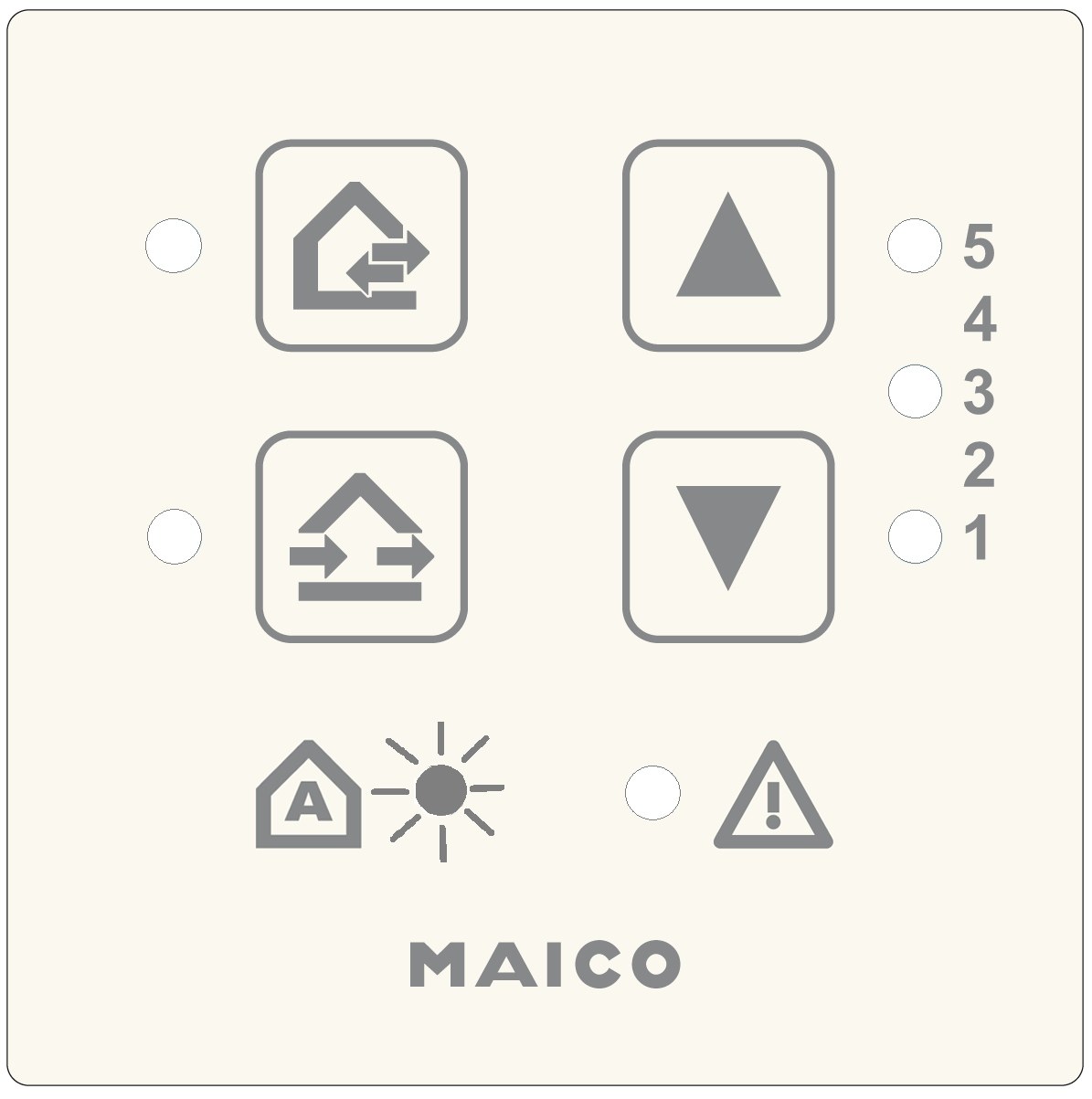
Parameters for linking this room air control with other room air controls (RLS) or power units (LTs).
Example: Two further RLS (RLS #2 and #3) are connected to RLS #1.
Setting value at RLS #1 = 2 / Setting value at RLS #2 = 4 / Setting value at RLS #3 = 5.
Parameter 5: 230 VAC input
|
| 1 = Sleep mode 5 = Supply air mode with overrun time of 6 minutes, is only executed for PP 45 units in the factory settings. If no PP 45 units are used, the volumetric flow compensation can be activated with the PushPull commissioning software for CPP 60 units. 6 = Supply air mode with overrun time of 15 minutes 4 to 6: Activate volumetric flow compensation using CPP 60 units additionally via commissioning software. 230 V input with switching contact, additional function can be used with button or switch, see Connection and wiring diagram, "S1". Recommendations: Use a button for the sleep mode and intermittent ventilation functions (reacts to falling edge). |
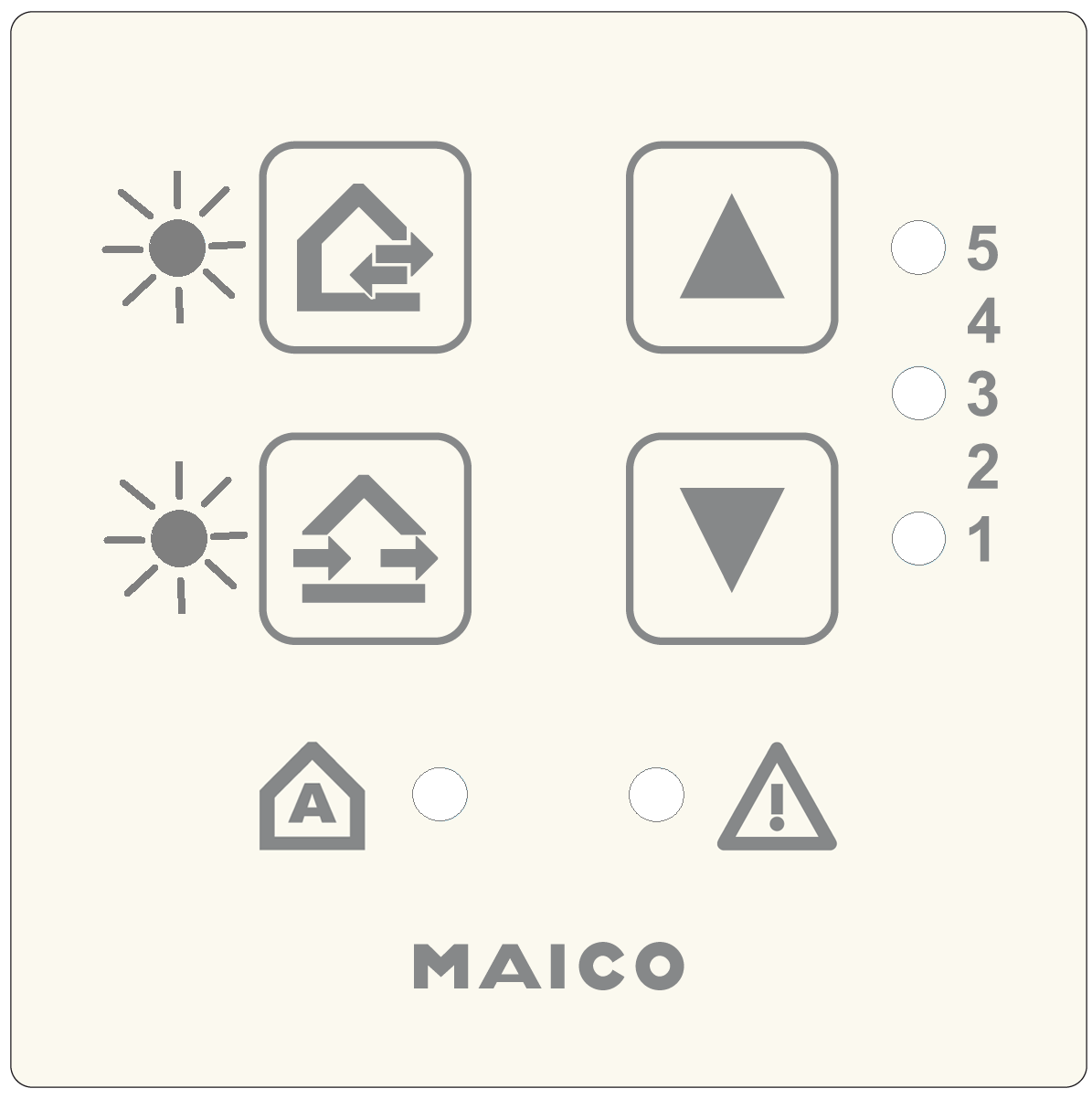
Parameter 6: Sensors
|
| 0 = No sensors |
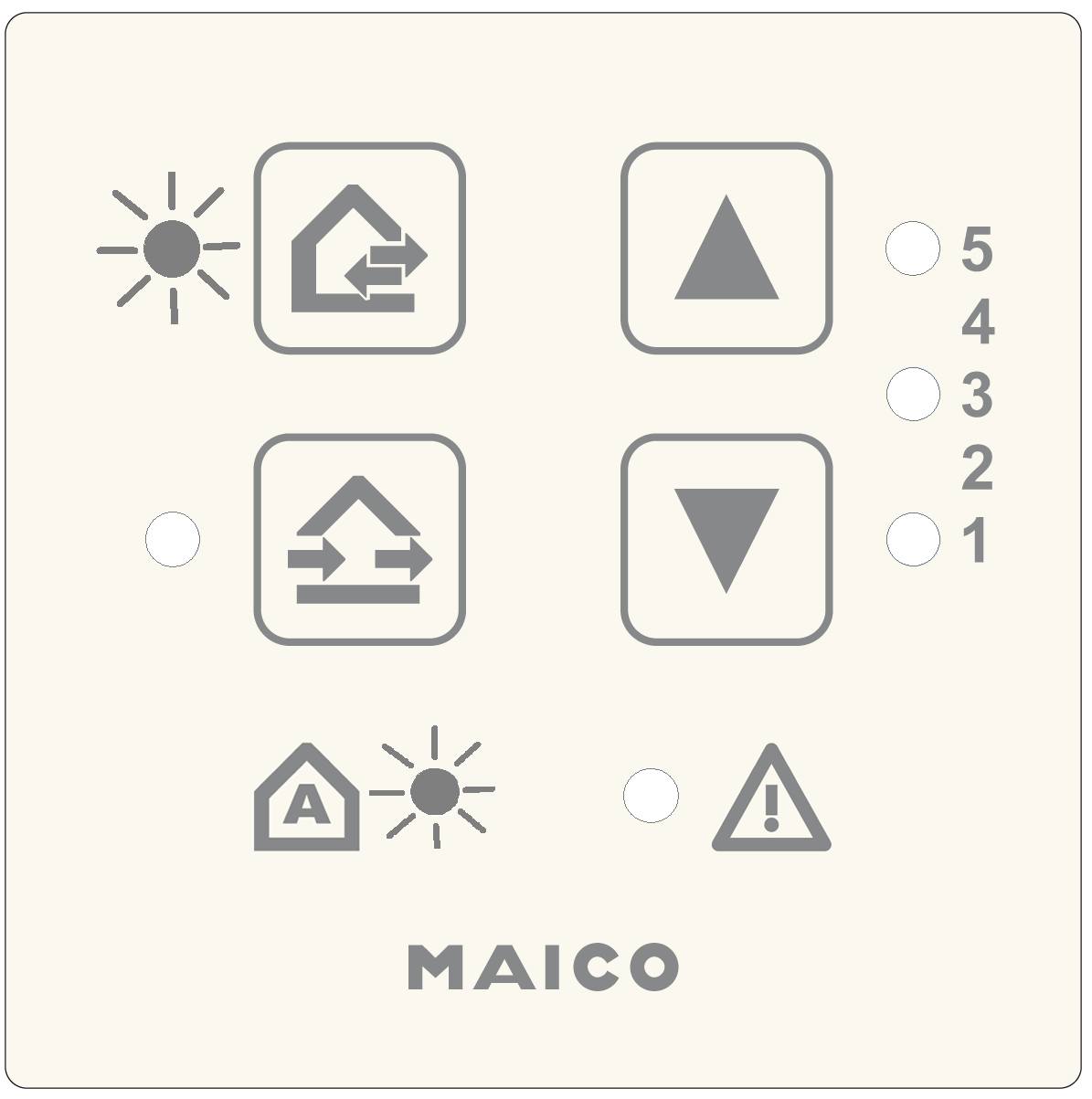
Parameters for using the connected internal and external sensors. The internal sensor PP 45 HYI and the external sensors PP 45 HY, PP 45 CO2 and PP 45VOCare available.
Parameter 7: EnOcean
|
| For activating the EnOcean extension module PP 45 EO. 0 = EnOcean module not present |
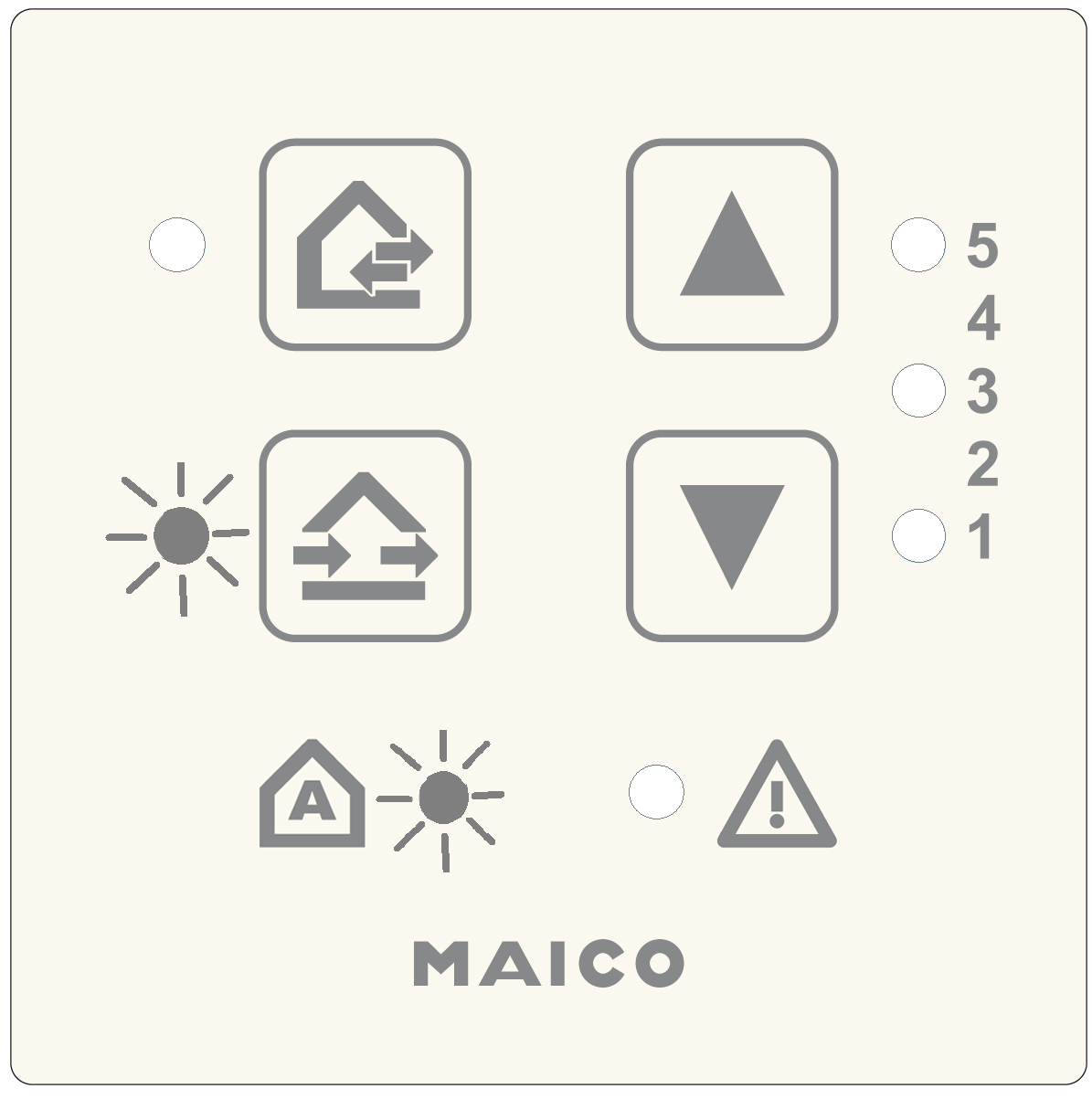
Parameter 8: EnOcean Teach mode
No function for CPP 60.
Parameter 9: Number of PPB 30 K units
No function for CPP 60.
Parameter 10: ModBus settings
ATTENTION: The ModBus interface must be deactivated for CPP 60 units, otherwise CPP 60 units cannot be controlled.
Parameter 11: ModBus address
No function for CPP 60.
Parameter 12: Plug & Play
|
| Automatic search run for pairwise assignment of the supply air and exhaust air units. 0 = Manual settings with CDV commissioning software 1 = Plug & Play: Start automatic search For further information → following chapter. |
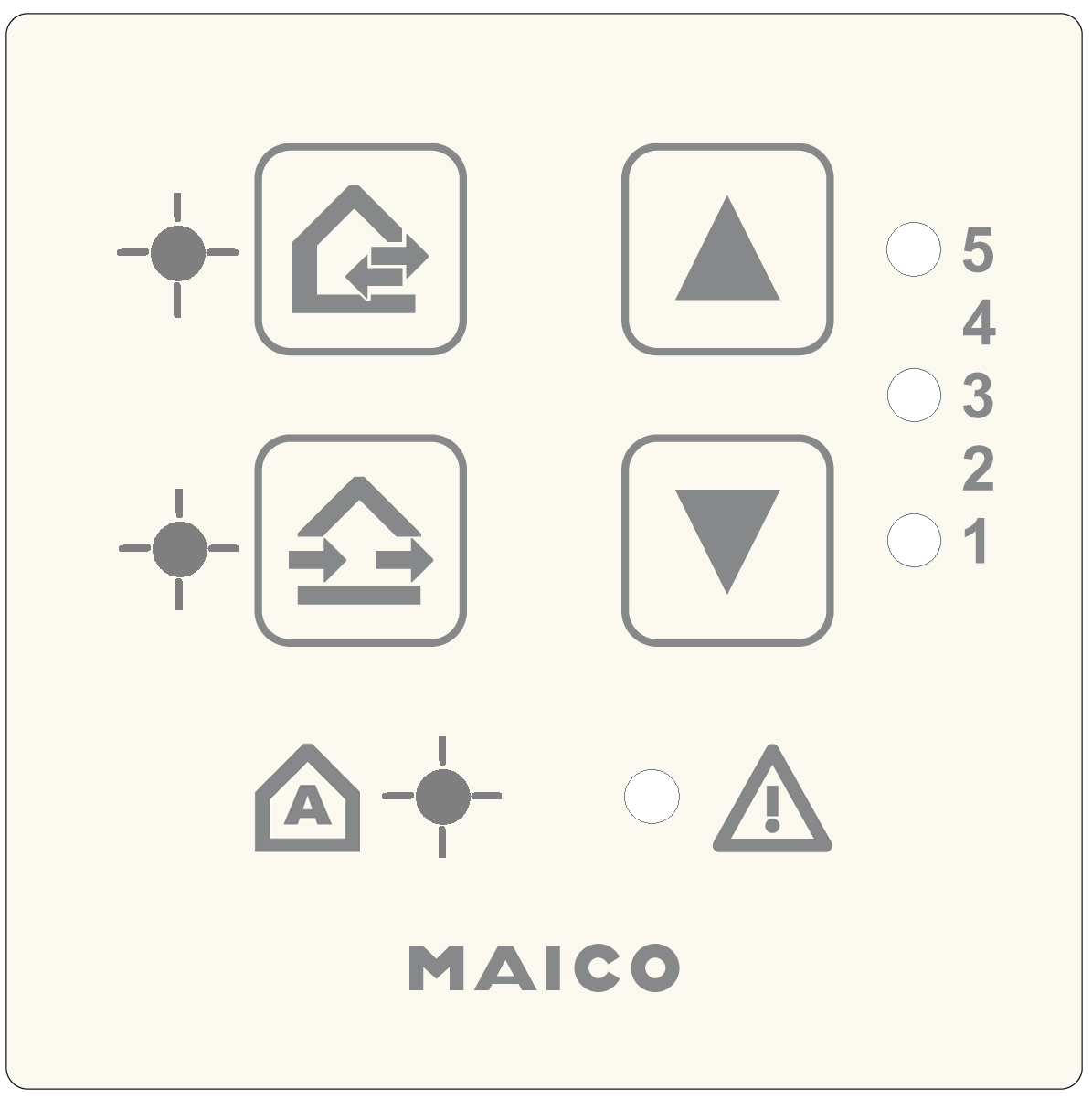
Exit setting mode
Press the  and
and  buttons together for 5 seconds. The ventilation unit switches to the specified ventilation level.