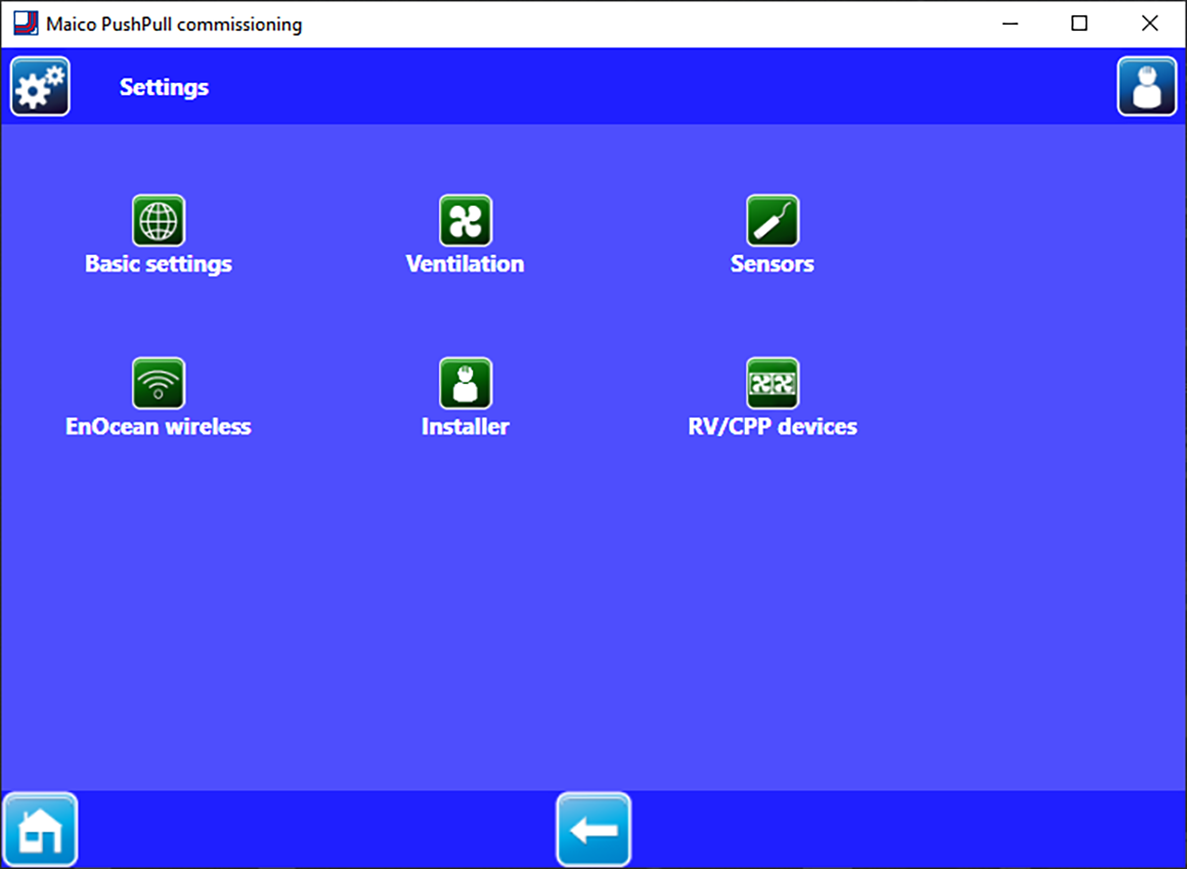
Settings menu (for specialist installers)
 NOTICE Incorrect settings can cause faults and malfunctions.
Only authorised installers specialised in ventilation technology may make system and unit settings at the installer level.
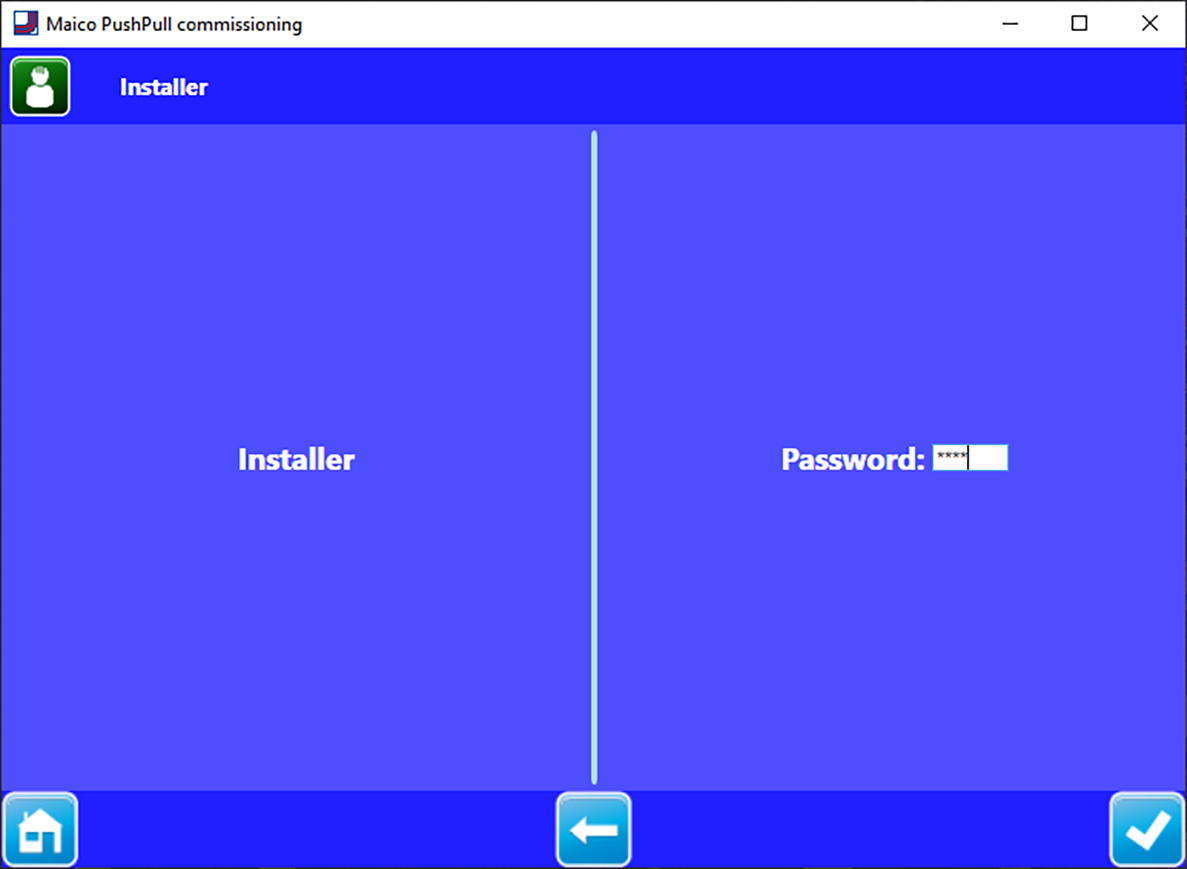
Password entry
After entering the password 6940, you are taken to the installer level.
Exiting the installer level
- Close Windows screen.
Installer level — standard display
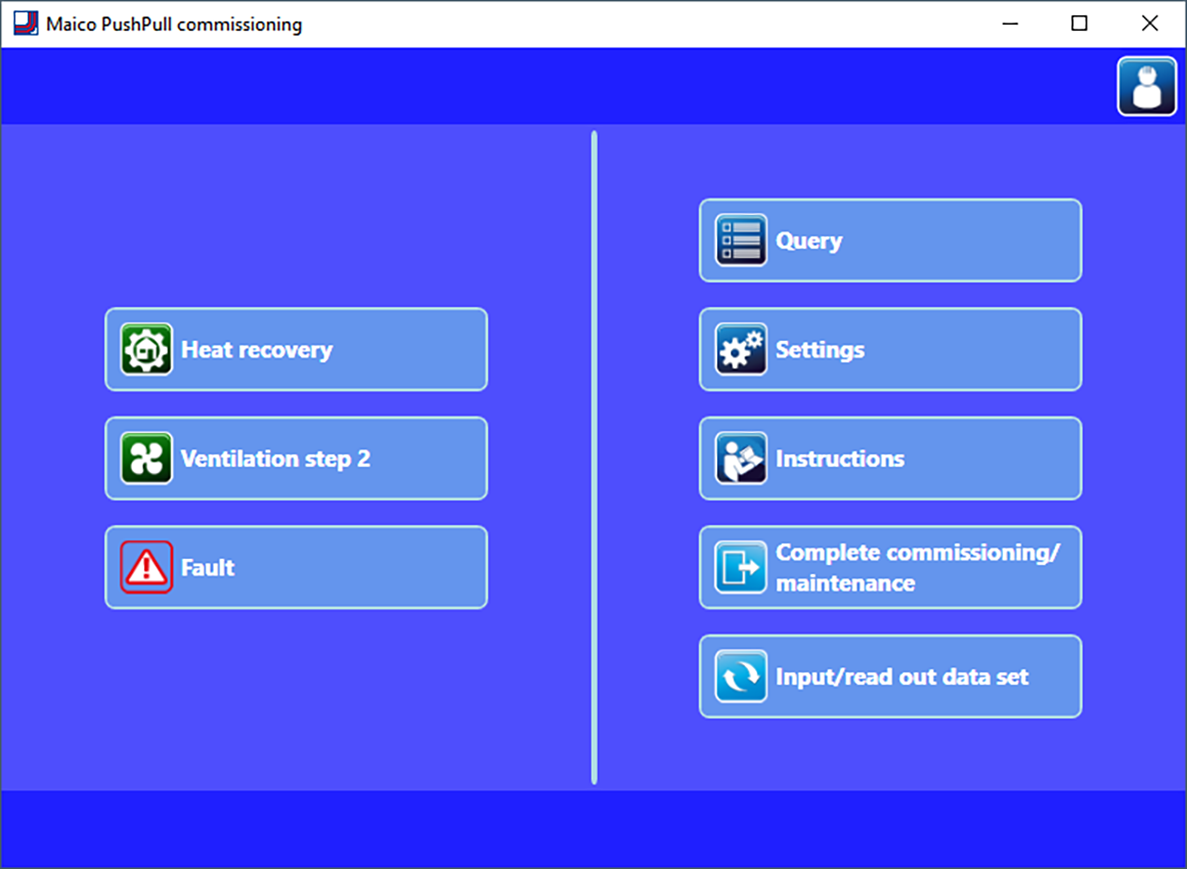
- Current operating mode
- Current ventilation level
- Faults: visible when fault is present.
- Query: Shows current system values and system statuses for the specialist installer.
- Settings: Basic system settings for the specialist installer, such as number/selection of unit types, function selection 230 V input (switching contact) etc.
- Instructions: Information/PDF instructions for the specialist installer
- Complete commissioning/maintenance: To save a commissioning or maintenance protocol. This includes project data, information regarding the planner, installer and customers as well as notes. The unit date, all settings and a fault logbook are automatically input.
- Input/read out data set: To read out or input the device configurations. This can, for example, be sent to the manufacture in case servicing is needed. Externally created configuration data can be input.