Change setting parameters
| Values | Step width | Factory settings |
|---|---|---|---|
Airflow V1 | 15-100 m³/h | 5 m³/h | 30 m³/h |
Airflow V2 | 15-100 m³/h 40-100 m³/h | 5 m³/h | 60 m³/h |
Base load airflow | ON / OFF |
| OFF |
Dehumidification mode | Automatic / MANUAL |
| Automatic |
Switch-on point 1 rel. humidity | 40–100 % r.h. | 1 % | 40 % |
Switch-on point 2 rel. humidity | 40–100 % r.h. | 1 % | 70 % |
Airflow switch-on point 1 | 15-100 m³/h | 5 m³/h | 30 m³/h |
Max. airflow humidity | 15-100 m³/h | 5 m³/h | 60 m³/h |
Start delay | 0–20 sec. | 5 sec. | 60 sec. |
Run-on time | 0–30 min | 1 min | 15 min |
Interval time | 0–24 h | 1 h | 1 h |
Interval operating time | 10–60 min | 10 min | 15 min |
Airflow during the interval | 15-100 m³/h | 5 m³/h | 60 m³/h |
Filter runtime | 3–12 months | 3 months | 6 months |
Parameterisation via MAICO@NFC-APP
- Download and install the APP on your smartphone.
iOS | Android |
- Press the "+" button and select "+ CREATE CONFIG".
- Select cover version.
- Select "Edit all data" or select individual parameters.
- Use the selection dial to select and save the desired value.
- The configuration can be renamed using the pen.
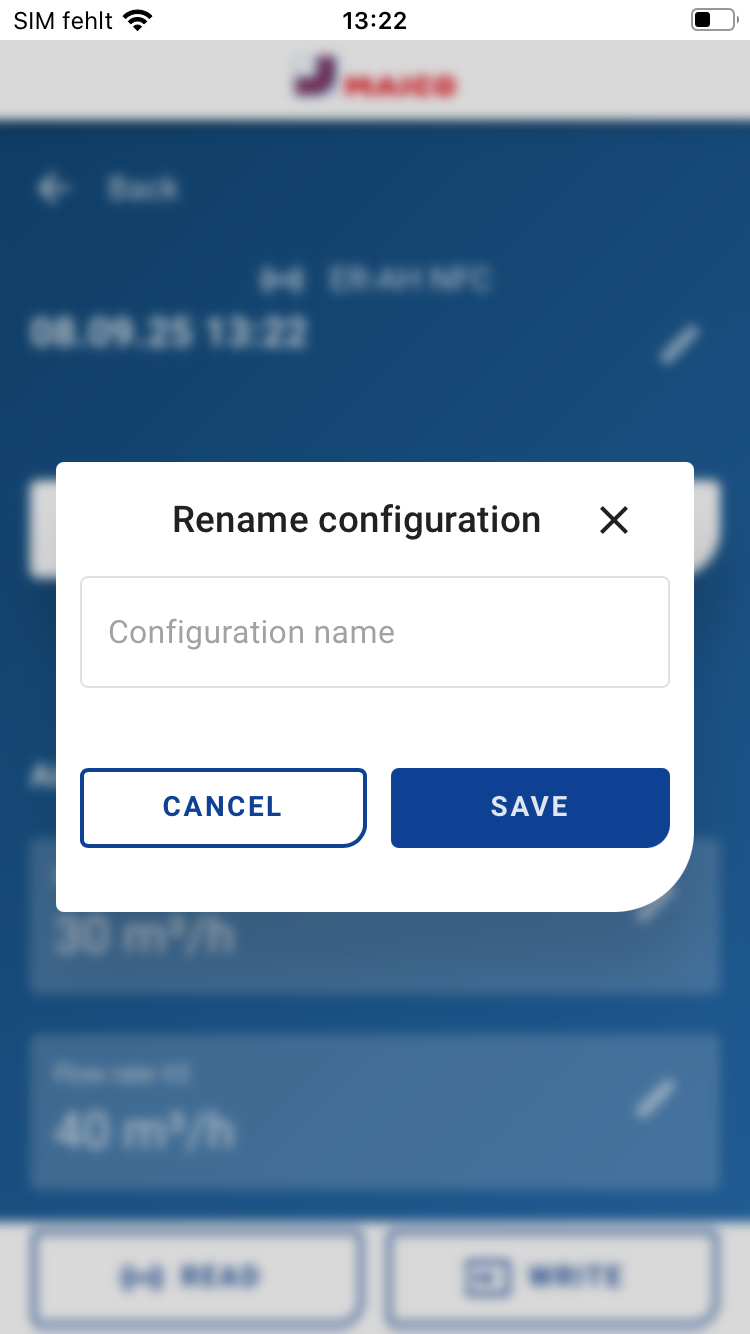
- The configuration is automatically saved by pressing the "Save" button.
- Press the "Write" button in the configuration.
- Hold the smartphone over the NFC logo on the cover.
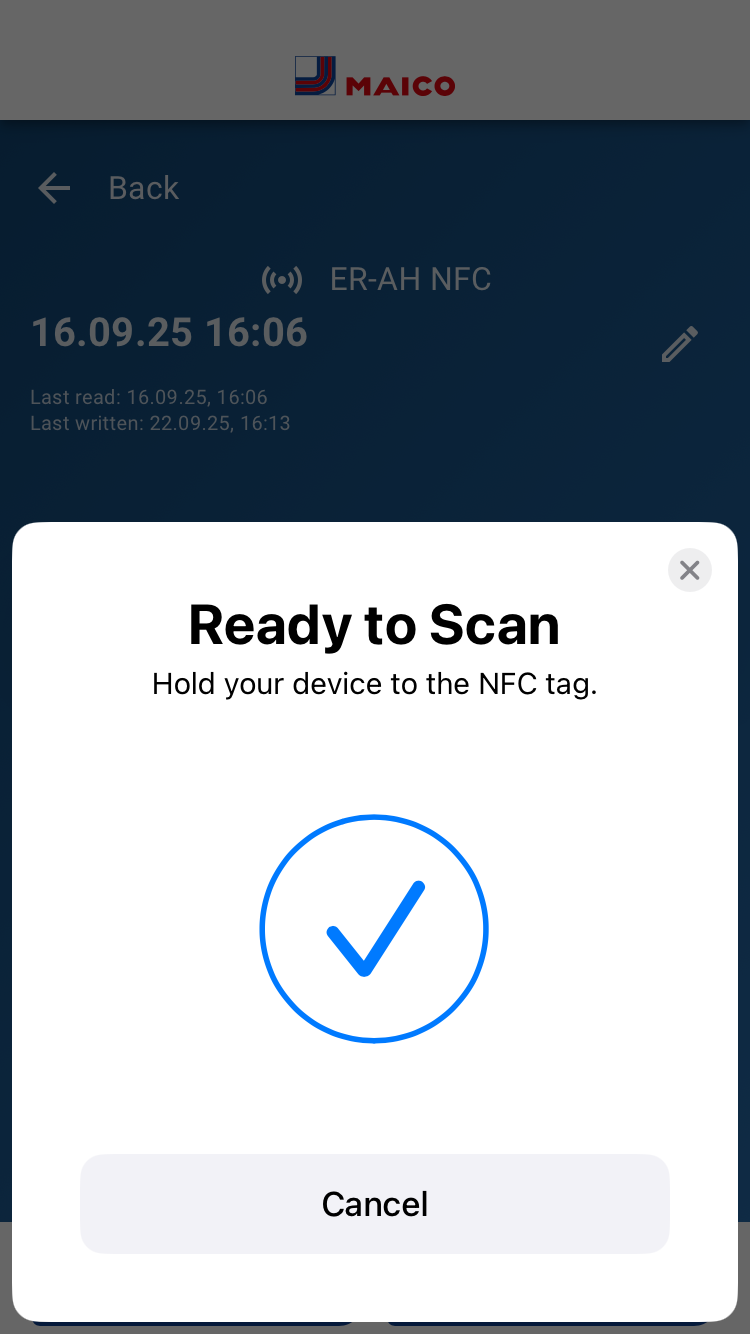
- If the data transfer is correct, this is signalled in the APP.
Adjustment hints
- Ti interval operation:: The unit is switched off during the interval time. The unit then runs for the selected operating time in the interval (10–60 min) at the selected airflow (15–100 m³/h).