Creating an acceptance report using NFC@MAICO-APP
The “Reports” function can be used to create an acceptance report for the cover configurations. This report can document the configurations and device functions, as well as notes and images of several devices.
- Select “Reports” in the menu bar.
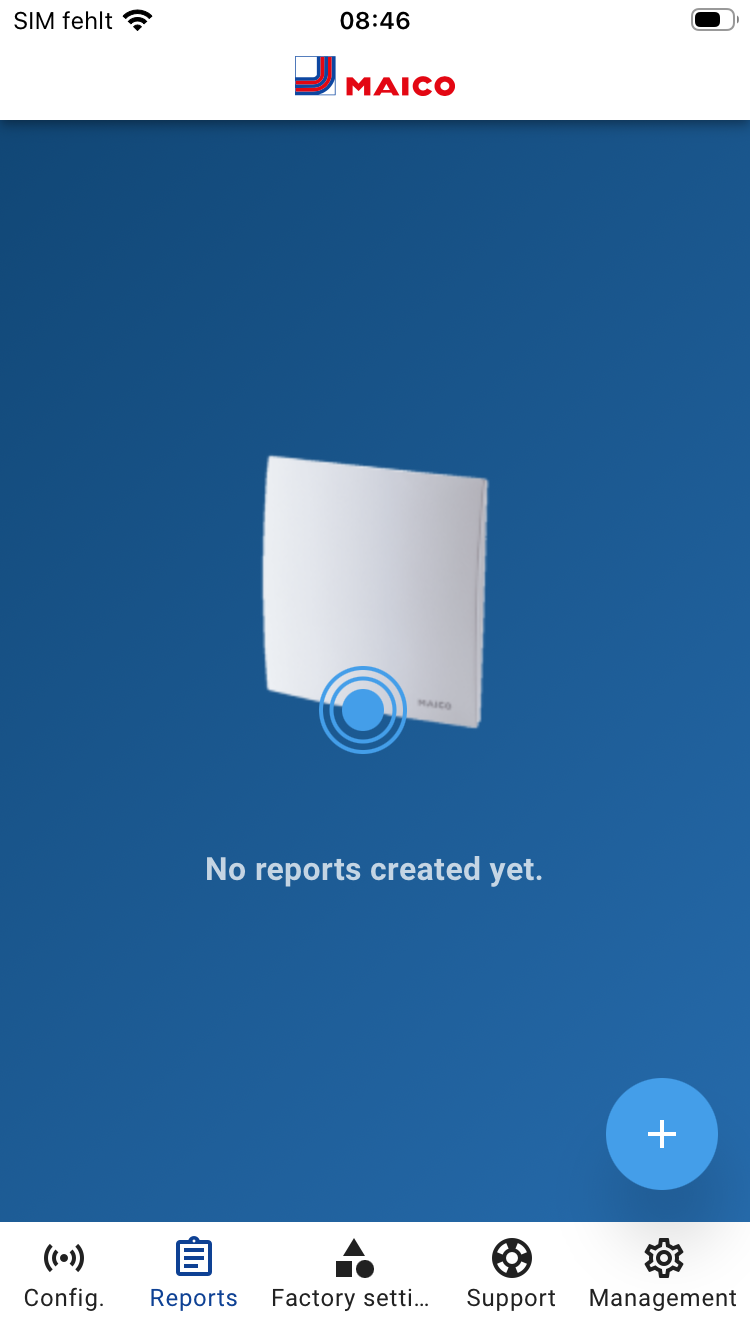
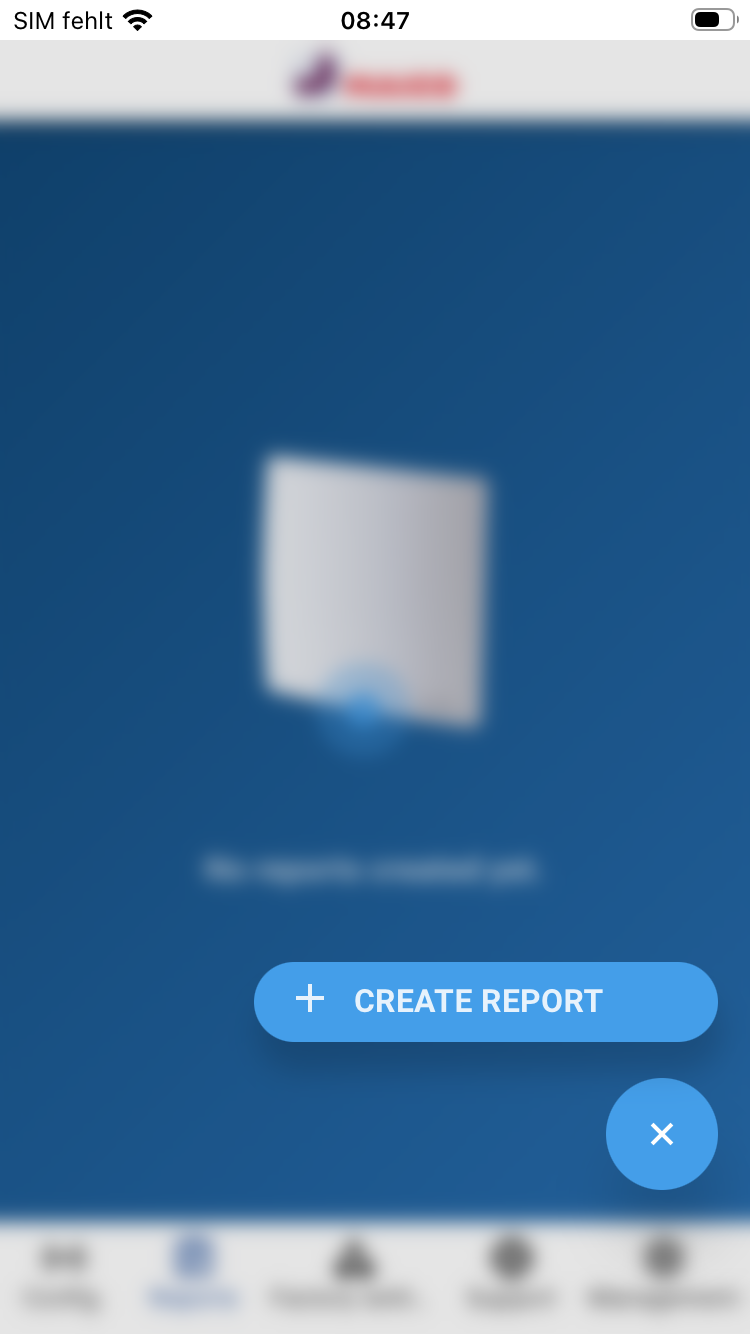
- Press the “+” button and select “+ CREATE REPORT.”
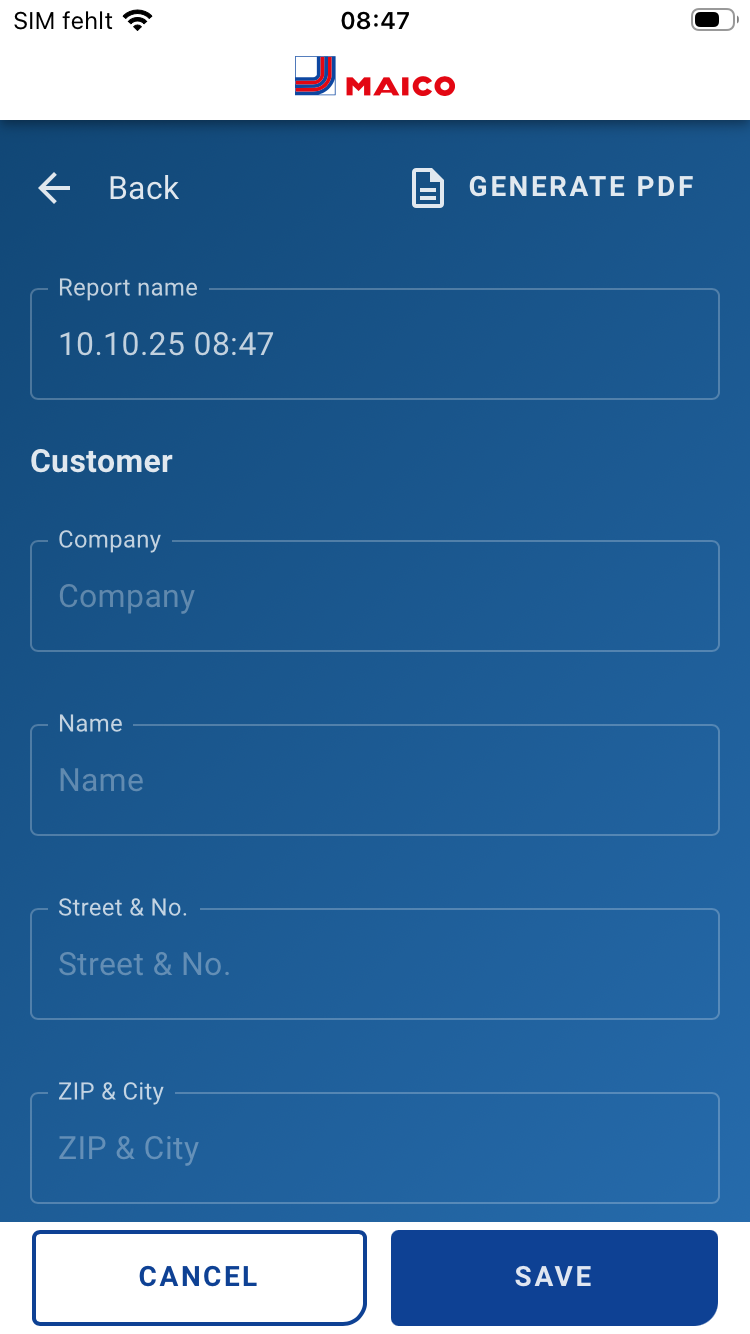
- Enter the report name, customer data, and object data.
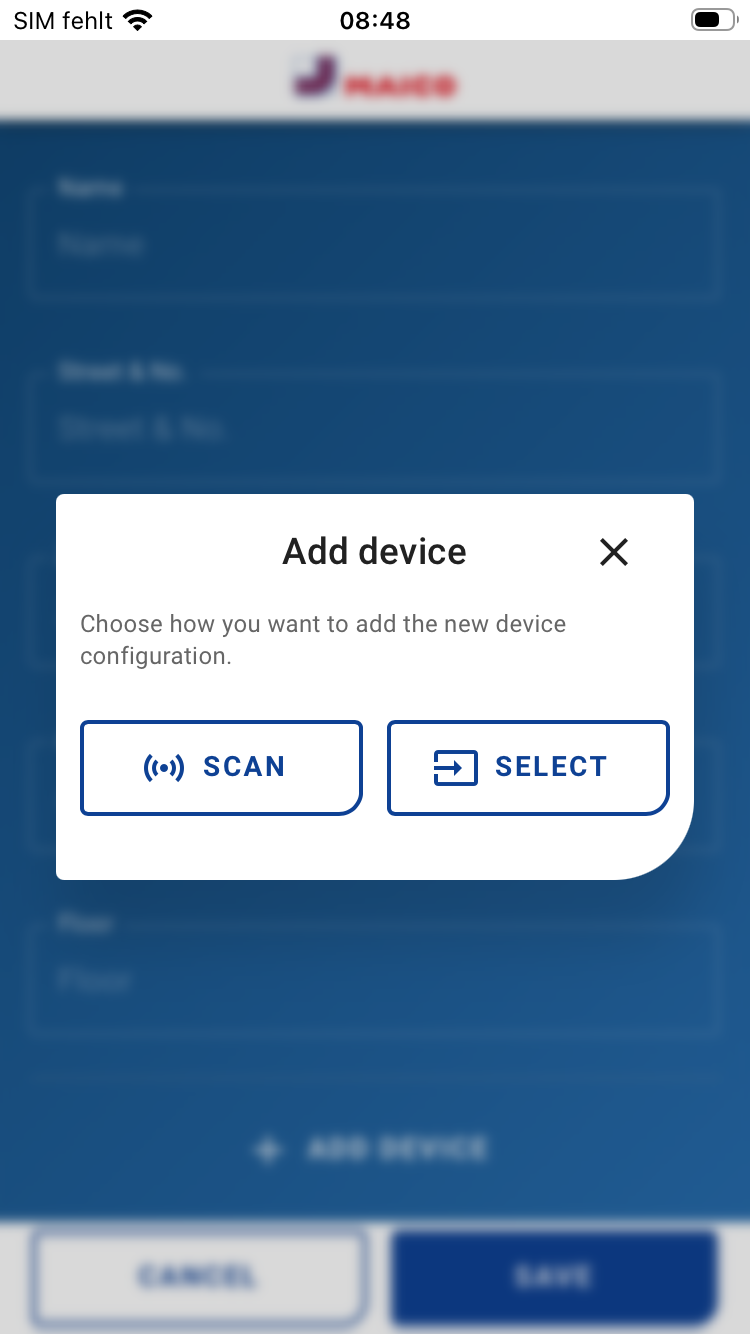
- Select “Add device” and read the data from the cover using ‘READ’ or select configurations already saved in the app using “SELECT.”
- Fill in the device assignment (name/room) and any notes and images.
- Add further devices and save the log by clicking on the “SAVE” button.
- A PDF of the log can be generated and saved by clicking on “GENERATE PDF”.