Configuration lock
If the configuration lock is required, it must be activated in the APP (deactivated by default).
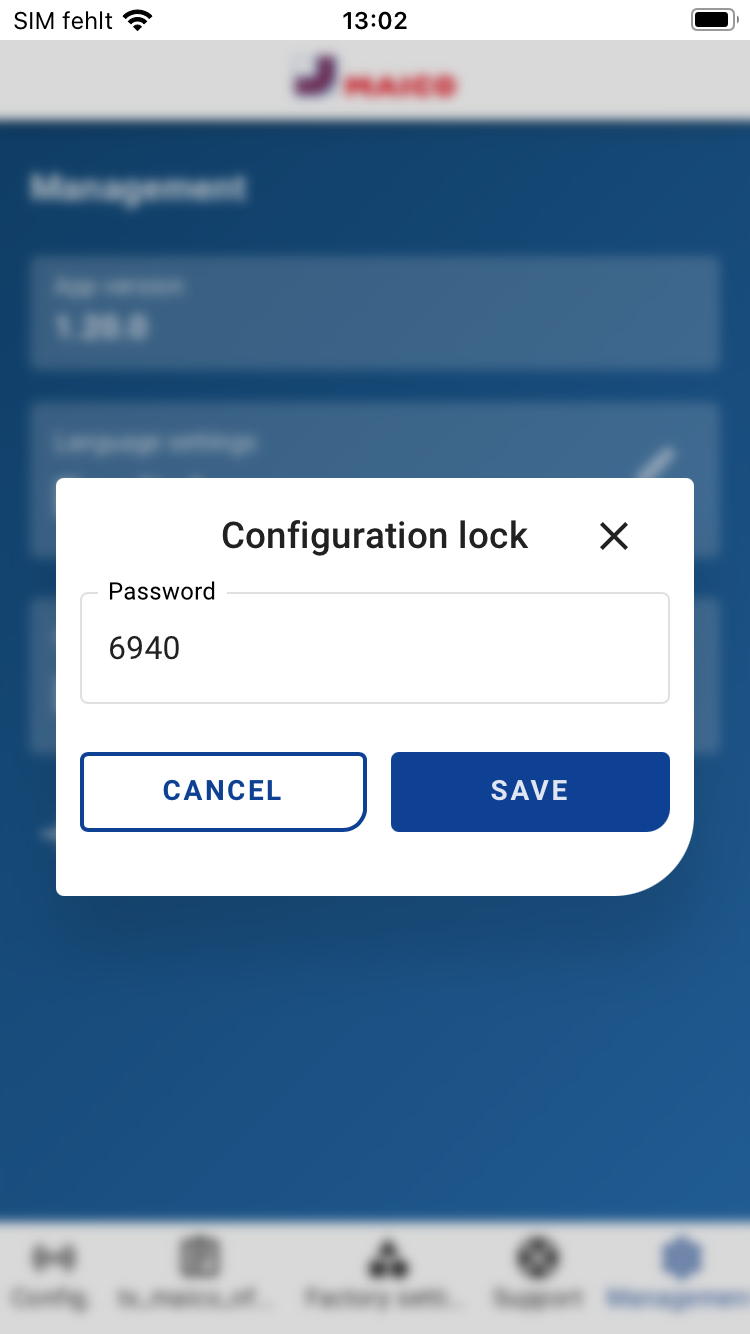
- To do this, select "Configuration lock" under Administration.
- To unlock the configuration lock, enter the code 6940.
- Then select a configuration for editing.
- Select "Configuration lock" in the configuration and select "On".
- Save the configuration and transfer it to a cover using "Write".
The cover can now only be written to if the configuration lock is activated or if you are logged in as an installer.