Installation of the PP 45 HYI internal humidity sensor
ATTENTION: Unit damage/no function if the humidity sensor is installed incorrectly.
Do not bend pins.
Insert sensor up to stop in bush.
- Switch off the mains fuse and secure it against being switched on again.
- Carefully remove the frame of the RLS 45 K/O.
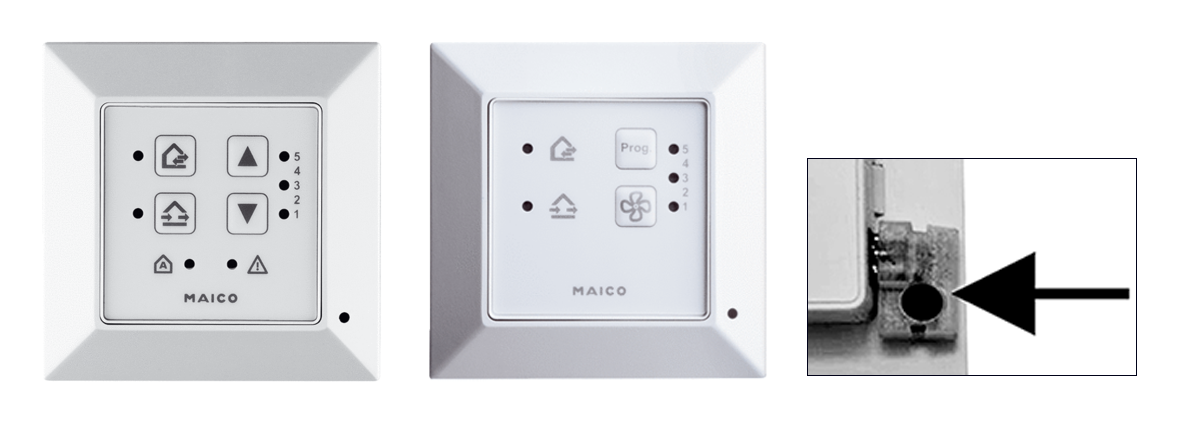
- Plug the humidity sensor PP 45 HYI into the I2C interface (arrow).
- Attach the frame of the control. Ensure that the sensor opening (hole in the frame) is positioned over the sensor and that the frame snaps into place.
- Put the ventilation system into operation. Register the humidity sensor in the Service mode setting parameters menu.
 For installation of the PP 45 HYI in a PP 45 RC ventilation unit, see associated final installation kit instructions.