Commissioning software: Start menu
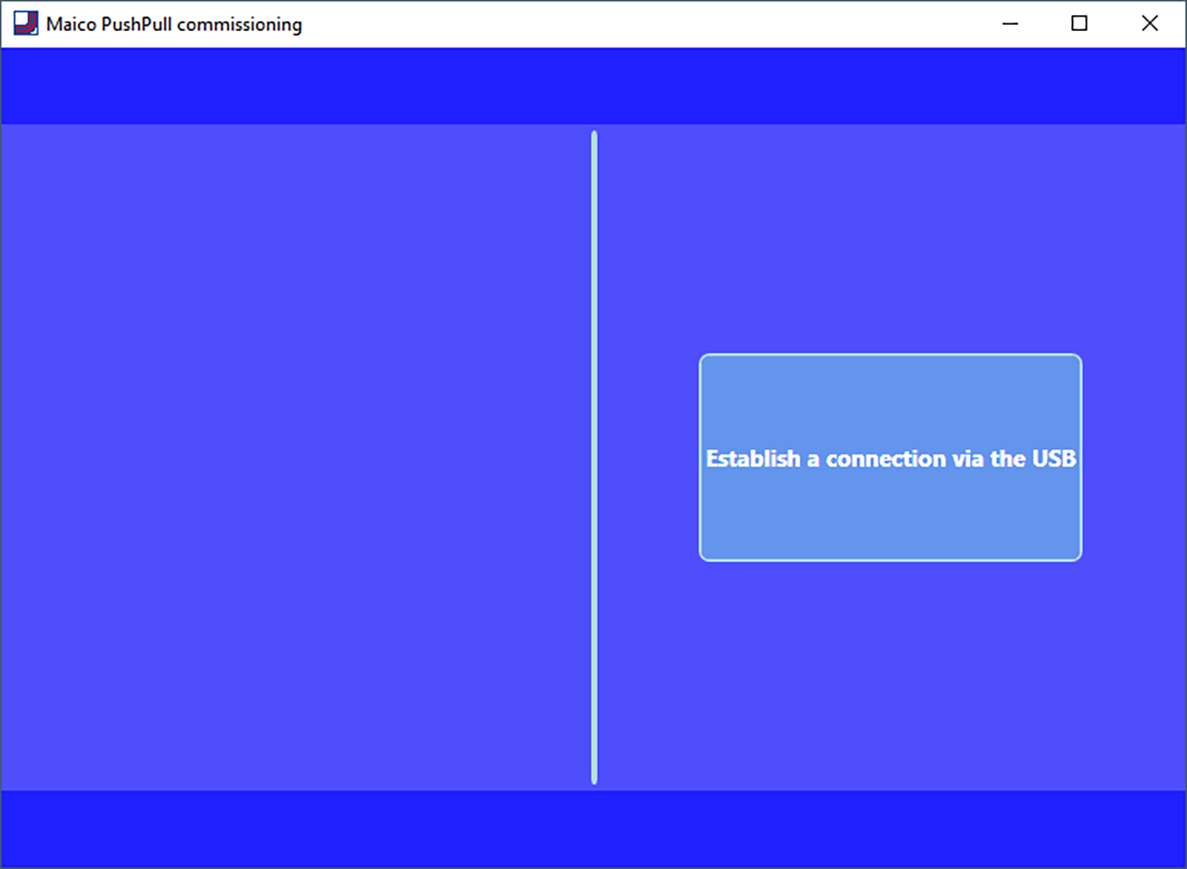
After the program start the connection is activated by mouse click. The following standard display appears:
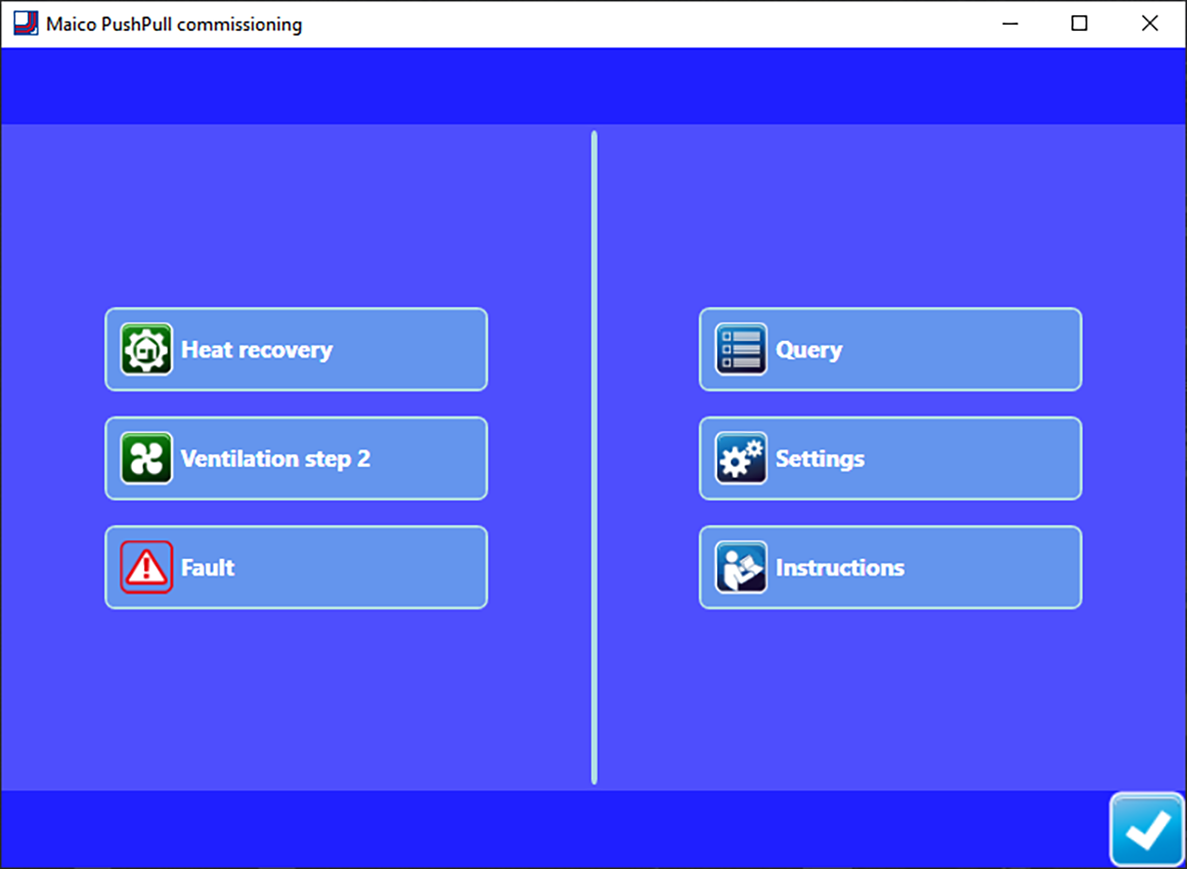
- Current operating mode: Heat recovery or cross-ventilation
- Current ventilation level: Off, ventilation levels 1 to 5, intermittent ventilation or night time
- Faults: Visible when fault is present
- Query: Shows current system values and system statuses for the user.
- Settings: Setting options for the user such as luminosity of the LEDs, remaining time until filter change, automatic mode etc.
- Instructions: Information/PDF instructions for the user
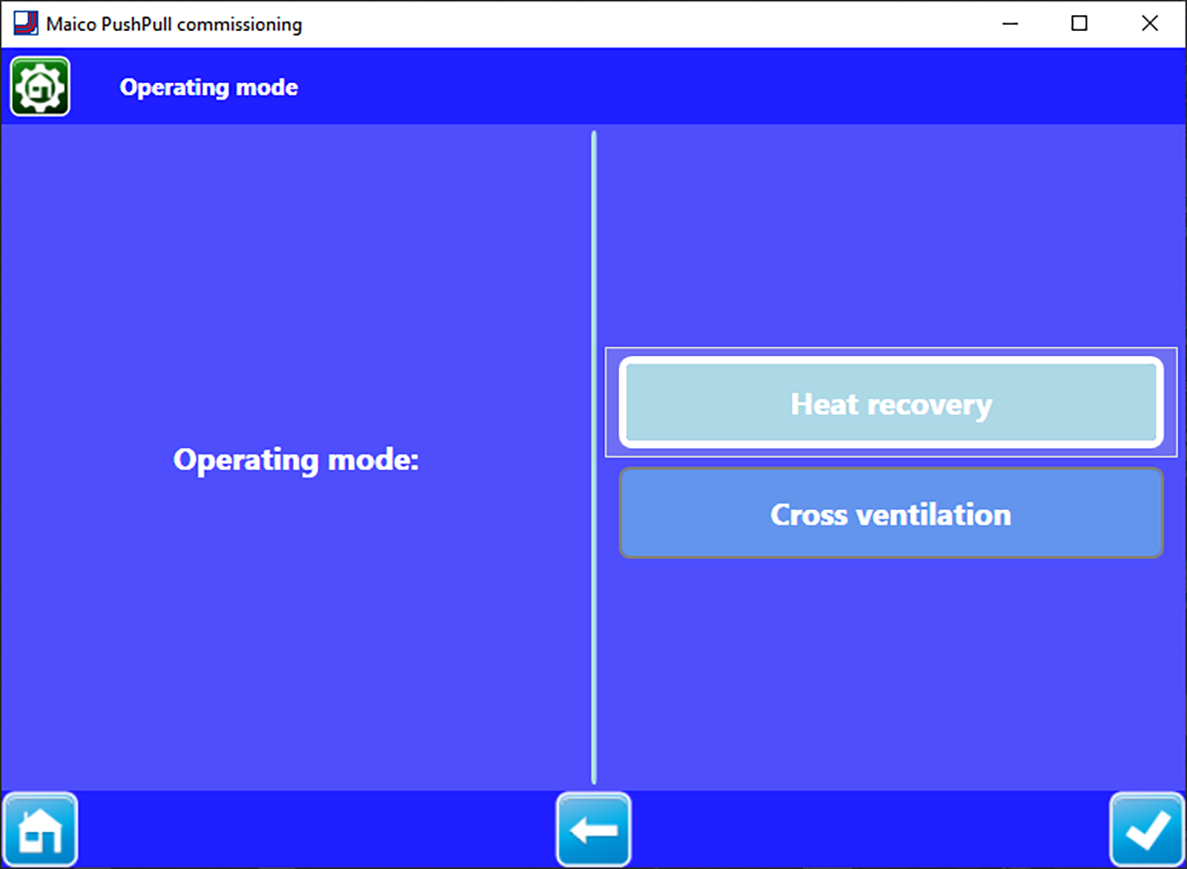
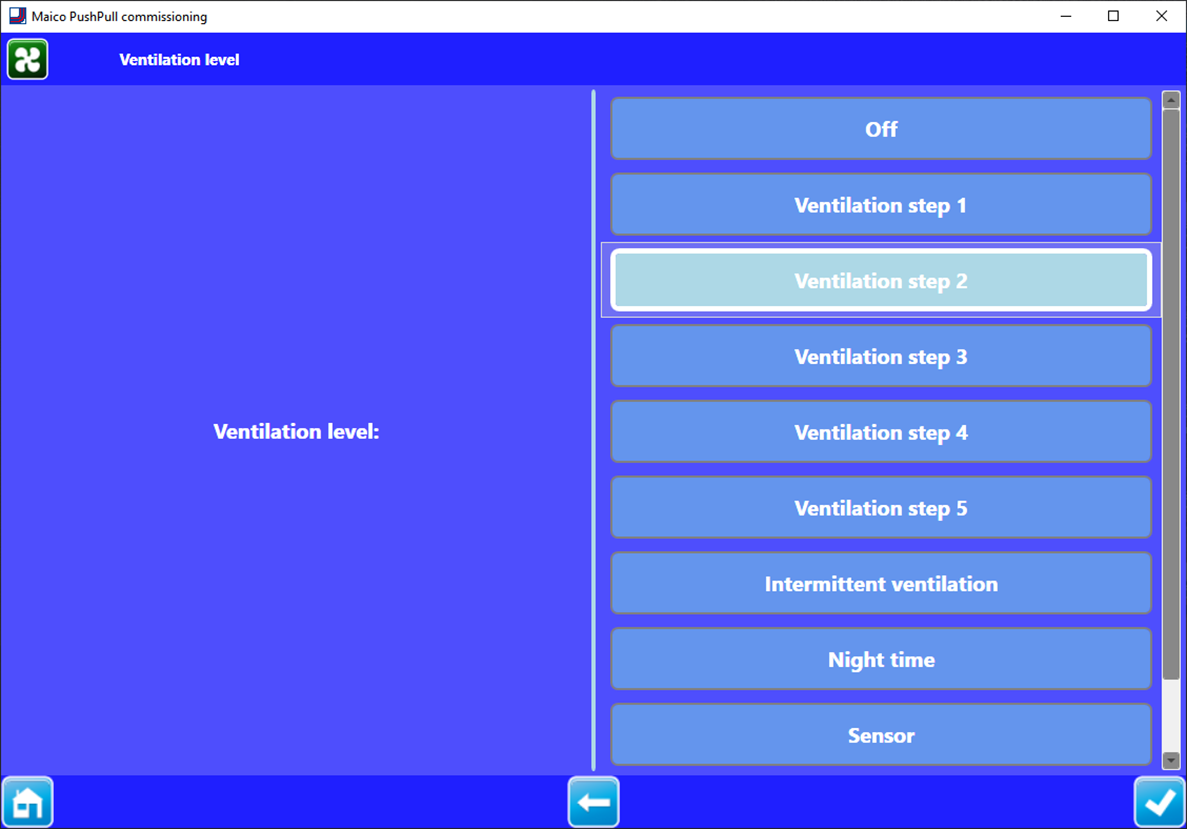
| Call up menu level: Press the Home button. |
| Go back a level: Press the left arrow button. |
| Confirm entry: Press the button at the bottom right. A confirmation symbol (tick) appears. Executed appears for 3 seconds, the setting is saved. |
| Exit the commissioning software: Close Windows screen. |


 Fields with a grey background: Function and setting parameters cannot be changed manually.
Fields with a blue background: Functions and/or setting parameters active/modifiable.