Status CMD: Start automatic search
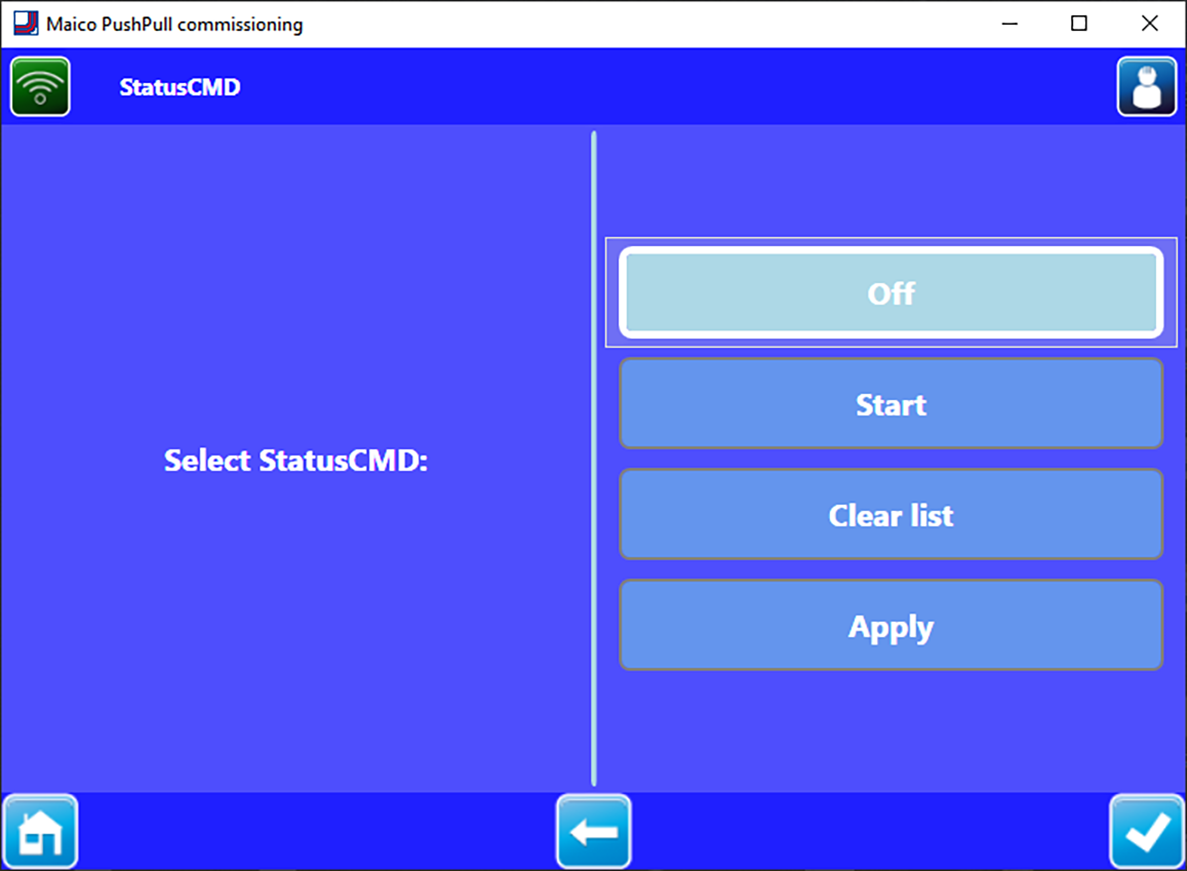
Off | End search/deactivate search (factory setting). |
Start | Start automatic search. |
Delete list | Delete the list of devices found. |
Adopt | Manual transfer of the devices found after an error message. |
A maximum of 8 RV 2 ventilation devices + 8 CPP 60 ventilation devices can be connected to one master controller (provided that sufficient PP 45 LT power units are available).
The devices found are stored in a list in ascending order based on the device address. Other units are ignored and not saved in the list.
Even with an uneven number of ventilation devices, these can be configured automatically with the commissioning software.
A successful search is signalled by a green info window with the following message: "A valid configuration was found. The devices were successfully assigned."
If no unit is found or an address is used more than once, the search is deemed to have failed. The failed search is signalled by a red info window with the following message: "An invalid configuration was found. Please accept and configure manually.”
Start: Start automatic search
- Press the Start button, the automatic search starts.
- Confirm the security enquiry Are you sure you want to start the search? that is now displayed.
The search for connected ventilation devices begins with the message Devices being searched for and takes approx. 1 minute. A search is considered successful if at least one ventilation device is found and no address appears more than once.
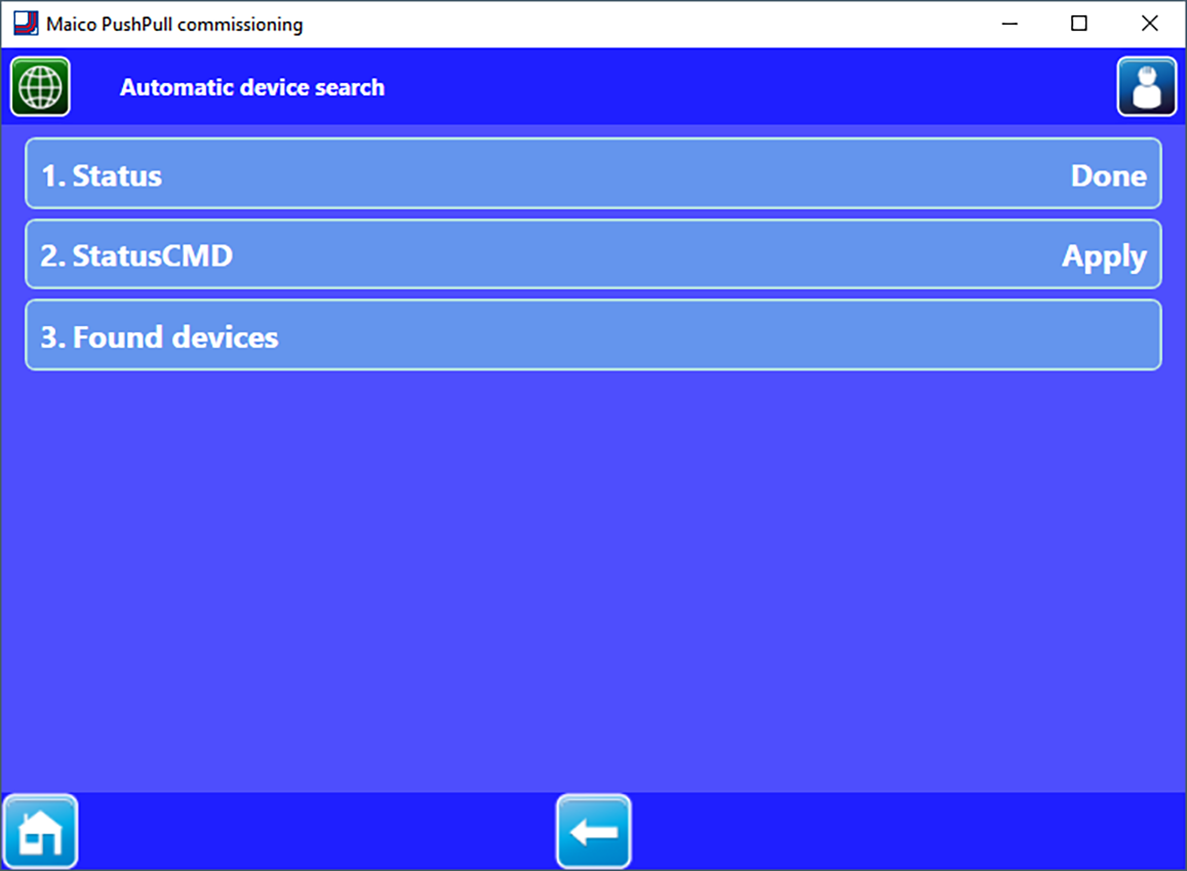
The devices are automatically transferred to the system and sorted.
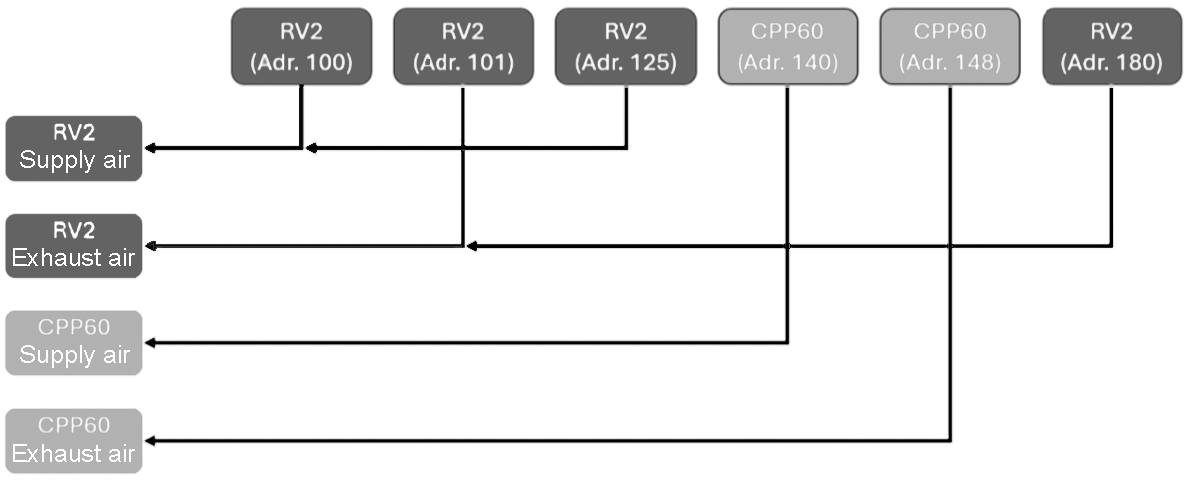
Assignment to the corresponding device group (exhaust air or supply air) is based on the unit ID.
Example: Sorting during automatic search
Sorting is based on the device address in ascending order, alternating between the supply air and exhaust air group.