Faults
The cause of the fault is displayed on the RLS G1 WS control unit, the MAICO@HOME app or the AIR@home web tool. On the RLS G1 WS operating unit, the status LED lights up red.
 NOTICE If you have a persistent fault, contact your specialist installer. Only a specialist installer may remedy a fault or undertake repairs.
Fault indicator | LED colour | Fault |
|---|---|---|
| Red | Currently, there is one fault pending. Contact a specialist company. |
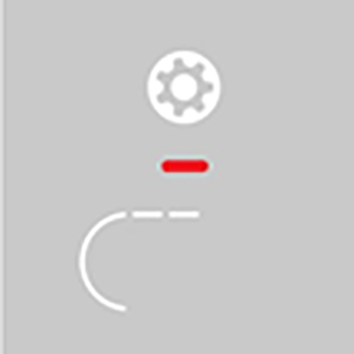
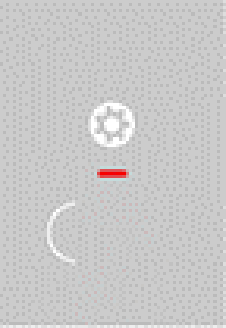
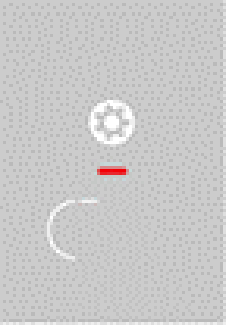
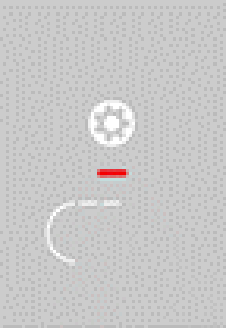
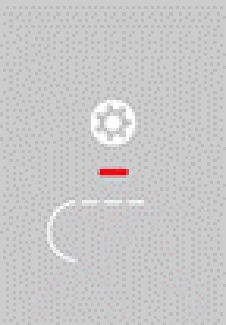
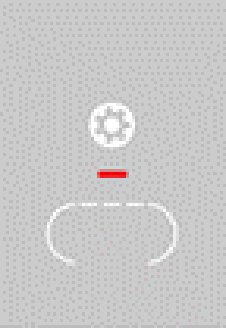
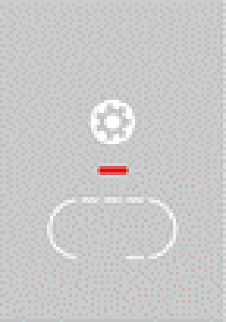
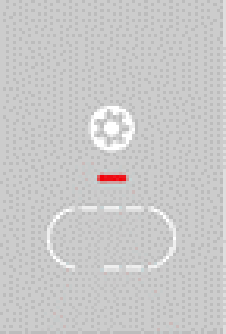
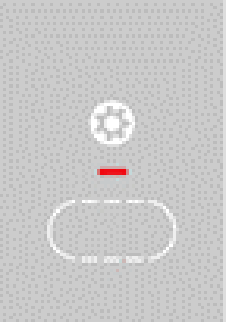
Number of lines = error number. The figure shows error number 3.
 Active unit errors are also displayed during standby mode.
When a fan fault (supply air/exhaust air fan) is remedied, correct fault rectification must be acknowledged manually.
If the T exhaust air too cold/T supply air too cold fault occurs, acknowledge the fault message manually and wait about 10 minutes. A temporary temperature sensor fault disappears automatically. If it doesn't, contact a specialist installer.
For further information on fault messages see MAICO@HOME app, AIR@home web tool or CDV commissioning software.
| 1 line = error group 1 Malfunction/failure of supply air or exhaust air fan. |
| 2 lines = error group 2 Malfunction/failure of a temperature sensor (in the supply air, exhaust air, outgoing air or outside air). |
| 3 lines = error group 3 Malfunction/failure of exhaust air combination sensor or fine dust sensor. |
| 4 lines = error group 4 Supply air or exhaust air too cold. |
| 5 lines = error group 5 Malfunction/failure of communication to the KNX module, to the Internet, to the control unit or to the EnOcean module. |
| 6 lines = error group 6 Malfunction/failure of external sensor (bus). |
| 7 lines = error group 7 Malfunction/failure of the contact to the external safety device. |
| 8 lines = error group 8 Malfunction/failure of system memory or system bus |